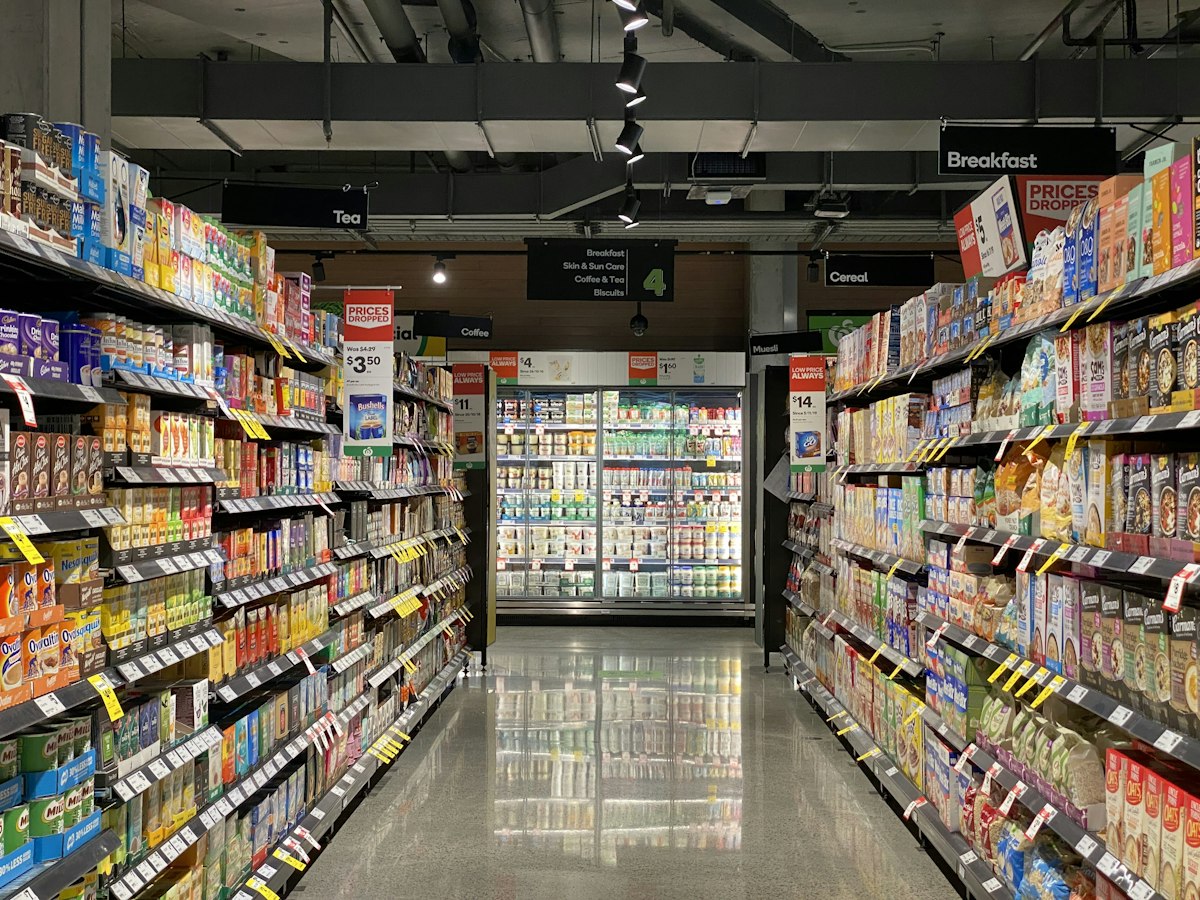
A kirana store runs on trust, speed, and credit. Your billing software must keep up — fast enough for the morning rush, smart enough to track who owes you money, and simple enough that anyone at the counter can operate it without training.
What a Kirana Store Needs from Billing Software
- Fast Billing — Scan or type item name → add to bill → collect cash → done in under 60 seconds
- Credit (Udhaar) Tracking — Mark bills as "credit" for regular customers, track outstanding per customer
- Cash & UPI Payments — Show exact change for cash, log UPI payments separately
- Stock Management — Know when staples like atta, dal, and oil are running low
- WhatsApp Bill Sharing — Send digital receipt on WhatsApp — customers love it
- Daily Cash Report — End-of-day total in cash, UPI, and credit
You don't need a computer for kirana billing. Kamya POS works on any Android phone or tablet. Use it at the counter, bill from the storeroom, check stock from anywhere.
Udhaar (Credit) Management — The Kirana Store Lifeline
Most kirana stores have 20–50 regular customers who take items on credit and pay weekly or monthly. Keeping this in a register means errors, forgotten entries, and awkward conversations when amounts don't match.
With Kamya POS, every credit sale is recorded against the customer's name. One tap shows you their complete ledger — total due, each transaction, and payments received. When they come to settle, print the statement directly from your phone.
GST for Kirana Stores
If your kirana store is GST-registered (turnover above ₹20 lakh/year for most states), you must issue GST invoices. Key rates for kirana items:
- 0% GST — Fresh fruits, vegetables, milk, curd, bread, salt, eggs
- 5% GST — Packaged food, branded atta, rice, dal, edible oils, coffee, tea
- 12% GST — Processed foods, ghee, cheese, pickles
- 18% GST — Soaps, shampoos, toothpaste, cleaning products
Kamya POS stores the GST rate per item — once set up, every invoice calculates tax automatically.
Offline Billing for Kirana Stores
Internet is not always reliable. Kamya POS works offline — bills are saved locally and synced to the cloud when connectivity returns. You never lose a sale because of a network issue.
Register free at kamyapos.com/register — select "Retail / General" and start billing in under 10 minutes.